

Start your Pokémon journey and relive childhood memories by becoming a Pokémon trainer on your iPhone. With the help of Pokémon emulators, it is now possible to enjoy classic Pokémon games on iOS devices with the same nostalgia, excitement, and gameplay experience as the original consoles.
Pokémon is one of the most iconic gaming franchises in history, loved for its memorable characters, engaging stories, and addictive gameplay. Using a Pokémon emulator on iPhone allows players to revisit classic titles anytime and anywhere.
Before starting your journey to become a Pokémon Master, it’s important to understand what Pokémon emulators are and how they work.
What Is a Pokémon Emulator for iPhone
A Pokémon emulator works by copying the functionality of a gaming console, allowing games to run on devices other than their original hardware. These emulators replicate both the hardware and software of classic systems such as Game Boy, Game Boy Color, Game Boy Advance, and Nintendo DS.
With a Pokémon emulator on iPhone, players can run digital copies of classic Pokémon games without needing the original console. This makes it easier for Pokémon fans to enjoy their favorite titles on modern iOS devices.
Benefits of Using a Pokémon Emulator on iPhone
Pokémon emulators offer several advantages for iPhone users who want a flexible and enhanced gaming experience.
They support many classic Pokémon games from different generations Players can use cheat codes to speed up progress or unlock special features Multiple Pokémon can be captured and trained more efficiently Save state functionality allows players to resume gameplay at any point Touch controls enable more accurate movements and actions Games can be played anytime without carrying a physical console
Best Pokémon Emulators for iPhone
Below are some of the best Pokémon emulators available for iPhone users. Each option offers different features and compatibility levels.
Delta Emulator
Delta is one of the most popular Pokémon emulators for iPhone. It delivers a smooth and reliable gaming experience with modern features designed for iOS devices. Delta supports several classic Pokémon titles and provides customization options such as console skins to recreate the feel of a handheld gaming system.
Players can enjoy Pokémon Red, Pokémon Emerald, Pokémon FireRed, Pokémon Snap, and many more. Delta also supports save states and cheat codes, making it ideal for both casual and dedicated players.
Provenance Emulator
Provenance is a versatile emulator that supports a wide range of classic gaming consoles. Its clean and user-friendly interface makes navigation simple, even for beginners. One of its biggest advantages is that it does not require jailbreaking, helping users maintain their device security and warranty.
Provenance supports multiple Pokémon generations and is suitable for players who want a straightforward setup with broad compatibility.
RetroArch Emulator
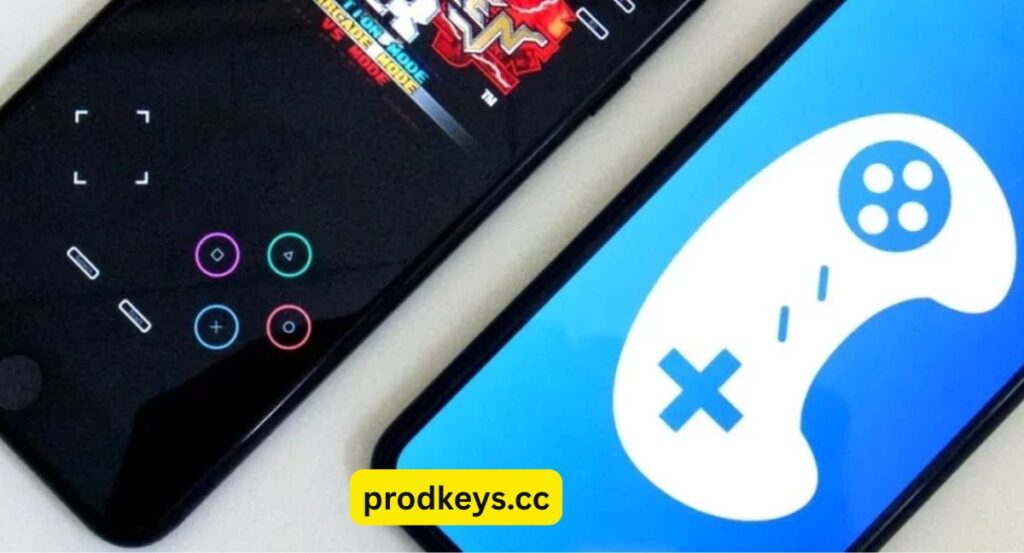
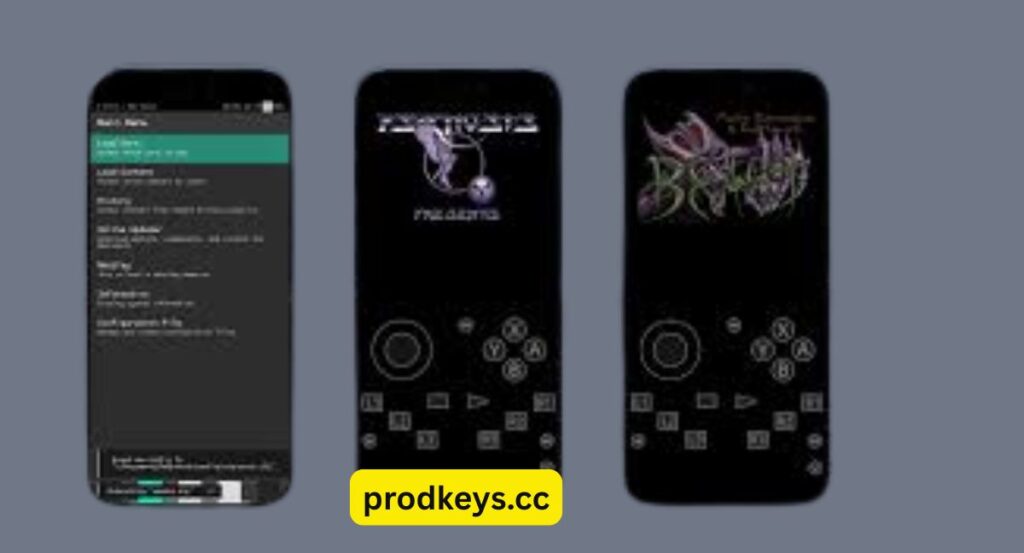
RetroArch is a powerful and highly flexible emulator that supports multiple gaming systems. It uses a core-based system that allows players to emulate different consoles within a single application.
Although RetroArch requires more configuration compared to other emulators, it offers unmatched versatility. It is ideal for users who want access to Pokémon games across various platforms and do not mind adjusting settings for optimal performance.
Game Play Color
Game Play Color is one of the easiest Pokémon emulators to use on iPhone. It runs as a web app, meaning no installation or jailbreaking is required. Users can add it directly to their home screen for quick access.
This emulator is perfect for playing classic Pokémon Game Boy and Game Boy Color titles. Its simplicity makes it a great choice for casual players who want instant access to Pokémon games.
Pokémon Emulator Comparison Table
| Emulator | Key Features | Compatibility | Ease of Use | Additional Notes |
|---|---|---|---|---|
| Delta | Seamless experience, console skins, save states, cheat support | GBA, NDS, SNES, N64 | High | Easy setup and Google Drive ROM integration |
| Provenance | User-friendly interface, no jailbreak required | Multiple classic consoles | High | Wide game support and device warranty safety |
| RetroArch | Highly versatile, multi-console support | PS1, Sega Mega Drive, GBA, more | Medium | Requires configuration, very powerful |
| Game Play Color | Web-based, no downloads, quick access | DMG, GBC | Very High | Simple setup and cloud ROM support |
How to Play Pokémon Games Using an Emulator on iPhone
Select an Emulator
Choose an emulator based on your preferred Pokémon games and console compatibility. Popular options include Delta, Provenance, and RetroArch.
Download the Emulator
Download the emulator from a trusted and reliable source. Always avoid unofficial or suspicious websites to protect your device.
Find Pokémon ROMs
After installing the emulator, locate Pokémon ROM files. These files contain the game data required to play Pokémon titles digitally.
ROMs should only be obtained from reliable sources to avoid malware and potential legal issues.
Load the ROM
Once downloaded, open the emulator and load the ROM file. Most emulators feature simple interfaces that allow easy browsing and loading of game files.
After loading, the game will start immediately, allowing you to begin your Pokémon adventure.
Final Remarks
Pokémon emulators make it possible to enjoy classic Pokémon games on iPhone without original consoles. Whether you prefer simple web-based solutions or feature-rich emulators, there is an option suitable for every type of player.
These emulators provide an authentic and enjoyable gaming experience, allowing fans to relive iconic Pokémon moments anytime and anywhere. Start your journey, build your dream team, and experience the world of Pokémon like never before.